Getting started
Create an account and register your first isroot subdomain.
Create your account
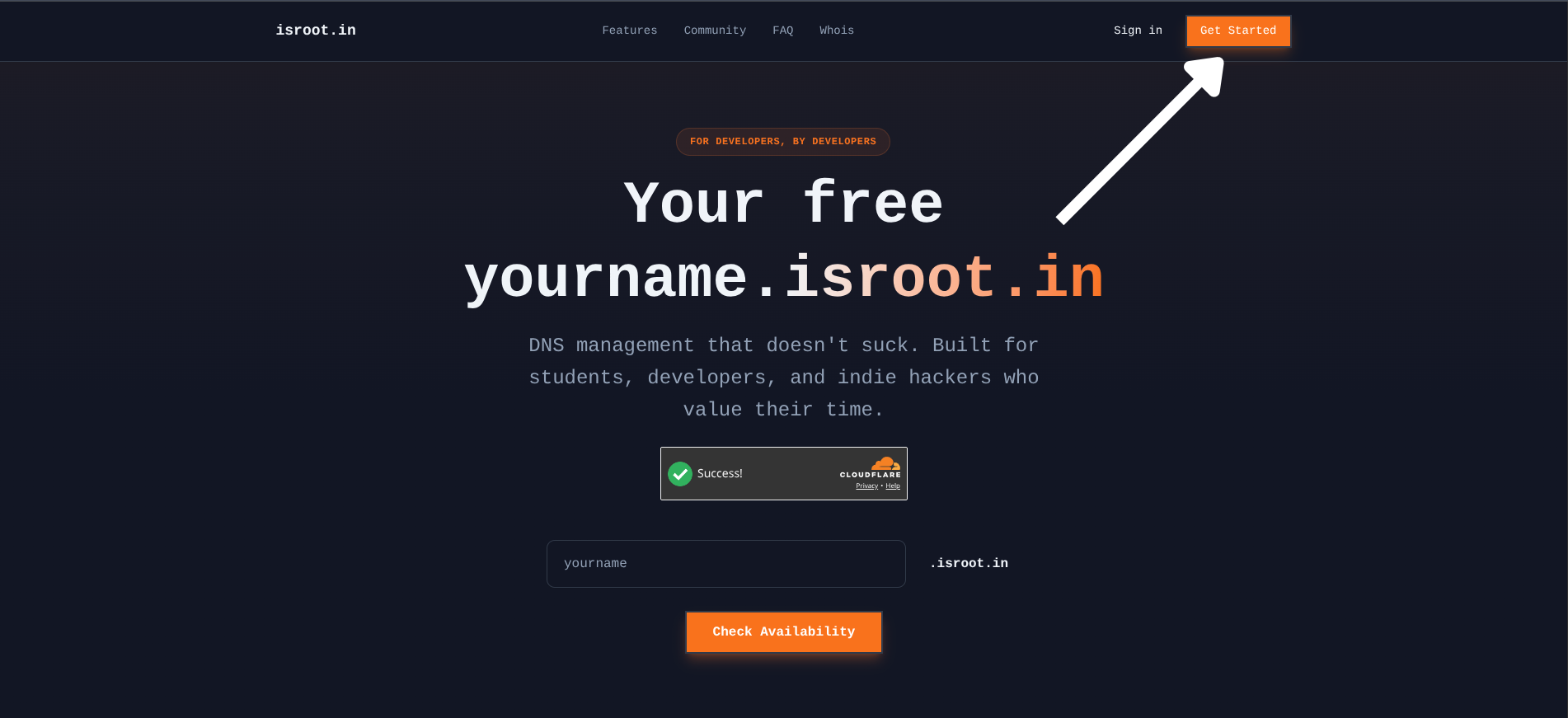
- Open isroot.in and choose Get Started.
- Enter your name if prompted and complete the CAPTCHA.
- Choose Signup with GitHub and complete the GitHub authorization flow.
- If you already have an account, choose Sign in instead.
GitHub is the sign-in method supported by the current application.
Register a subdomain
- Open Subdomains in the dashboard.
- Open the creation form, enter a name such as
myproject, and complete the CAPTCHA. - Choose Create Subdomain and wait for the success message.
- Confirm that
myproject.isroot.inappears in your subdomain list.
Enter only the name, without .isroot.in, a URL scheme, or a path. Names must be 3–63 characters long and use lowercase letters, numbers, or hyphens. A hyphen cannot appear at either end. Reserved, inappropriate, and already registered names are rejected.
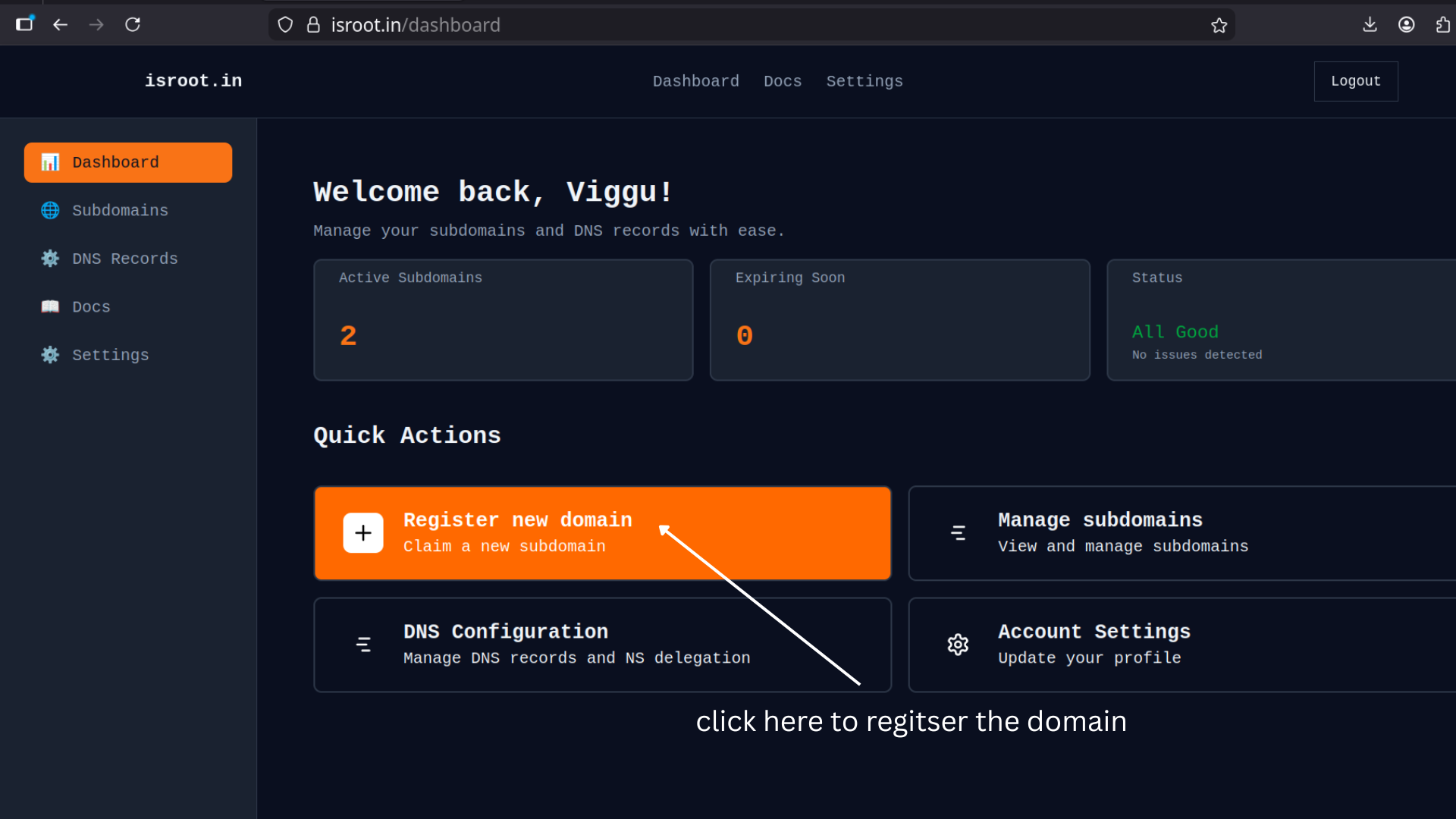
The dashboard design may differ from these screenshots.
What happens next
Your registration lasts 365 days. Check its expiry date in Subdomains, and renew before it expires.
DNS setup is attempted during registration. If the dashboard offers Retry setup / migration, use it in DNS Records for the selected subdomain.
The default allowance is one subdomain. Starring the repository linked in the dashboard unlocks up to five. Successful registrations are limited to one per hour. See limits and naming rules.
Connect your project
Registration does not deploy a website. Follow Connect a project to add your hosting provider's DNS records, then use Manage DNS for future changes.